


What LogFitdoes for you.
You get paid
into your own account
Publish your event. Athletes pay straight into your Stripe account and the money reaches you.
- Categories, spots and pricing — each category has its own price, cap and team size.
- Paid add-ons — T-shirts, merch and extras can be sold at registration time.
- Promo codes — that you create yourself, per category and per period.
- Custom questions — whatever you'd like to know at registration.
- Invite-only events — a guest list and a competition the public never sees.
- Volunteers — full volunteer management, with its own form.
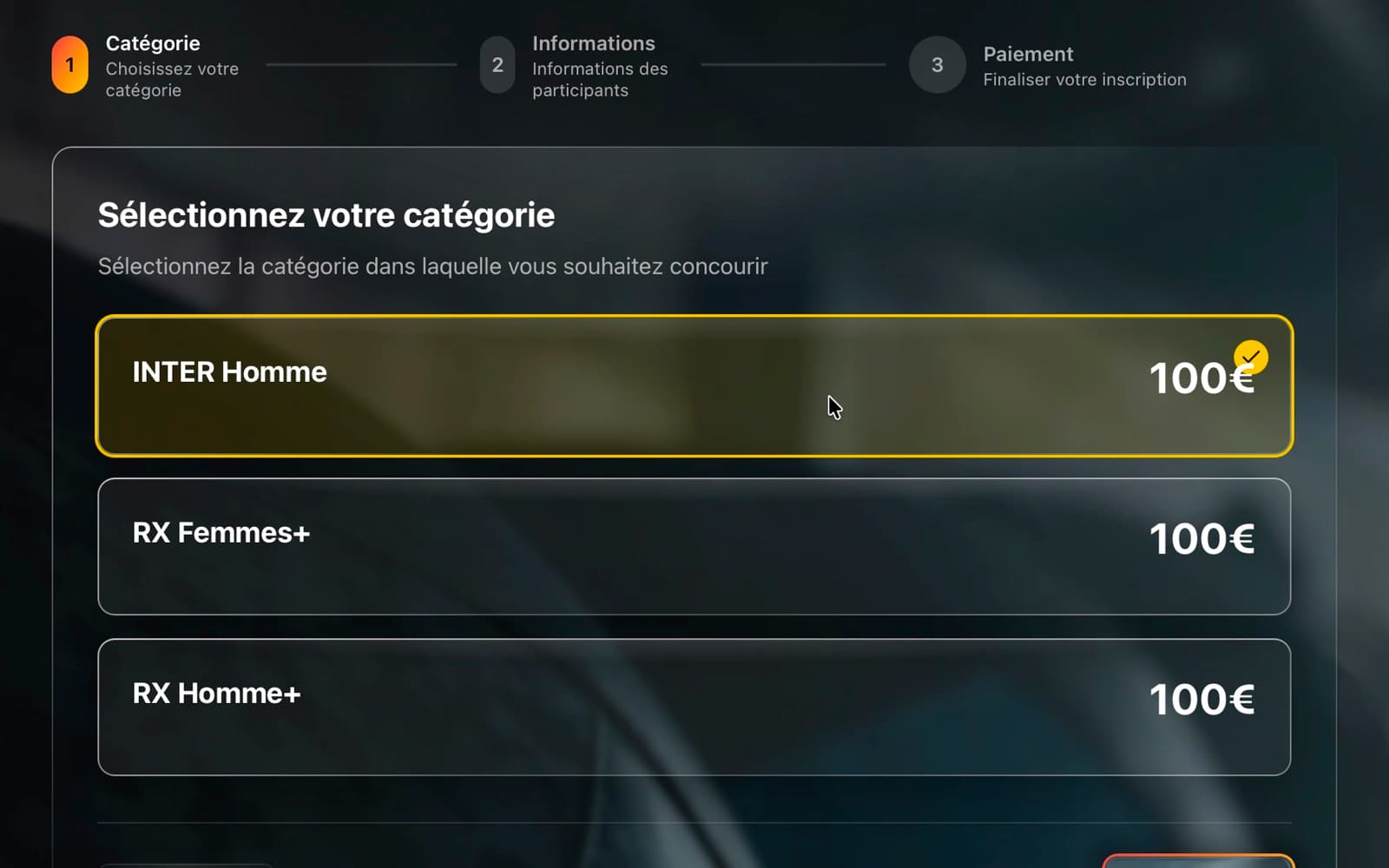
Category selection: LogFit® registration flow.
Describe the format,
once
Your WODs, categories and waves then feed the judges, the screens and the rankings.
- WODs — solo, team, synchro, alternating, AMRAP, For Time, Ladder and more.
- The WOD written as on the whiteboard — write it the way you would note it, or take a photo of your notes, and the AI builds its structure.
- Generated heats — from your categories, lanes and slots, then reorder by drag and drop.
- Controlled publishing — athletes get their schedule when you decide, by email and as a notification on their account.
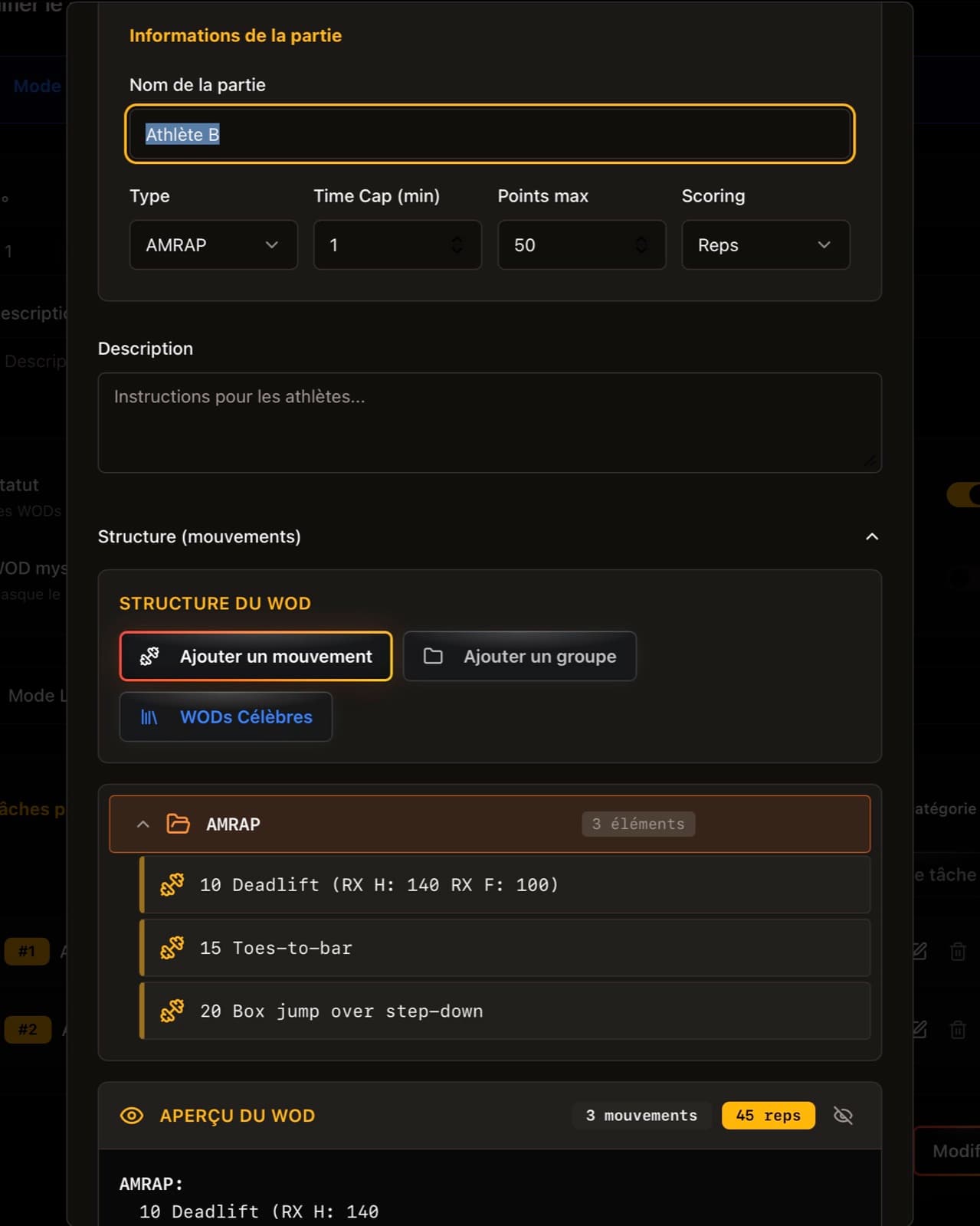
WOD editor: AMRAP part, time cap and movements.
The judge scores
from their phone
They confirm reps as the workout runs. The score is timestamped, signed by the athlete at the end of the heat, and joins the ranking right after.
- Athlete signature — the score is reviewed on screen for signature before it becomes final.
- Easy counting — the judge counts reps with the volume buttons, without taking their eyes off the athlete.
- Every format — AMRAP, For Time, time cap, max load, tiebreak, parallel A and B athletes.
- Traced corrections — who changed what and when. A judge can flag an error and you handle it.
- Controlled access — devices connect in seconds via QR code.
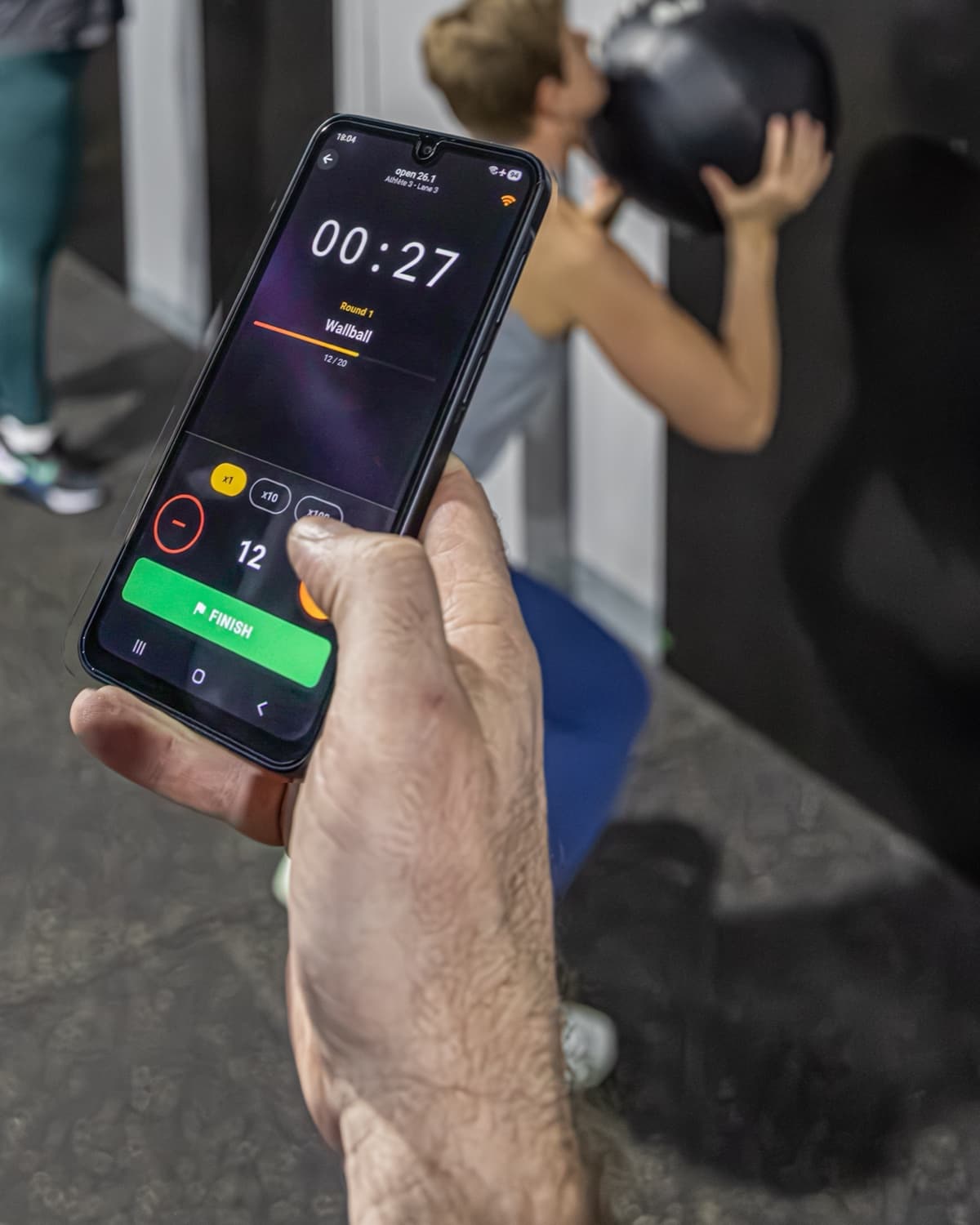
Live rep counting during the WOD: Open 26.1, Cosmos Team.
Time reaches
the ranking on its own
Depending on the format it is taken by the athlete, by a detection mat on the ground, or by the machines.
- Finish buzzer — the athlete stops their clock at the line and the judge stays on the workout.
- Detection mats — time per station and transition time, read as athletes cross.
- LED boards — the heat clock, synced directly with your organizer tool.
- Connected ergs — BikeErg, RowErg and SkiErg can be connected, with a shared progress display.
On a hybrid format, every athlete leaves with the detail of their race: run time, time per station and transitions.
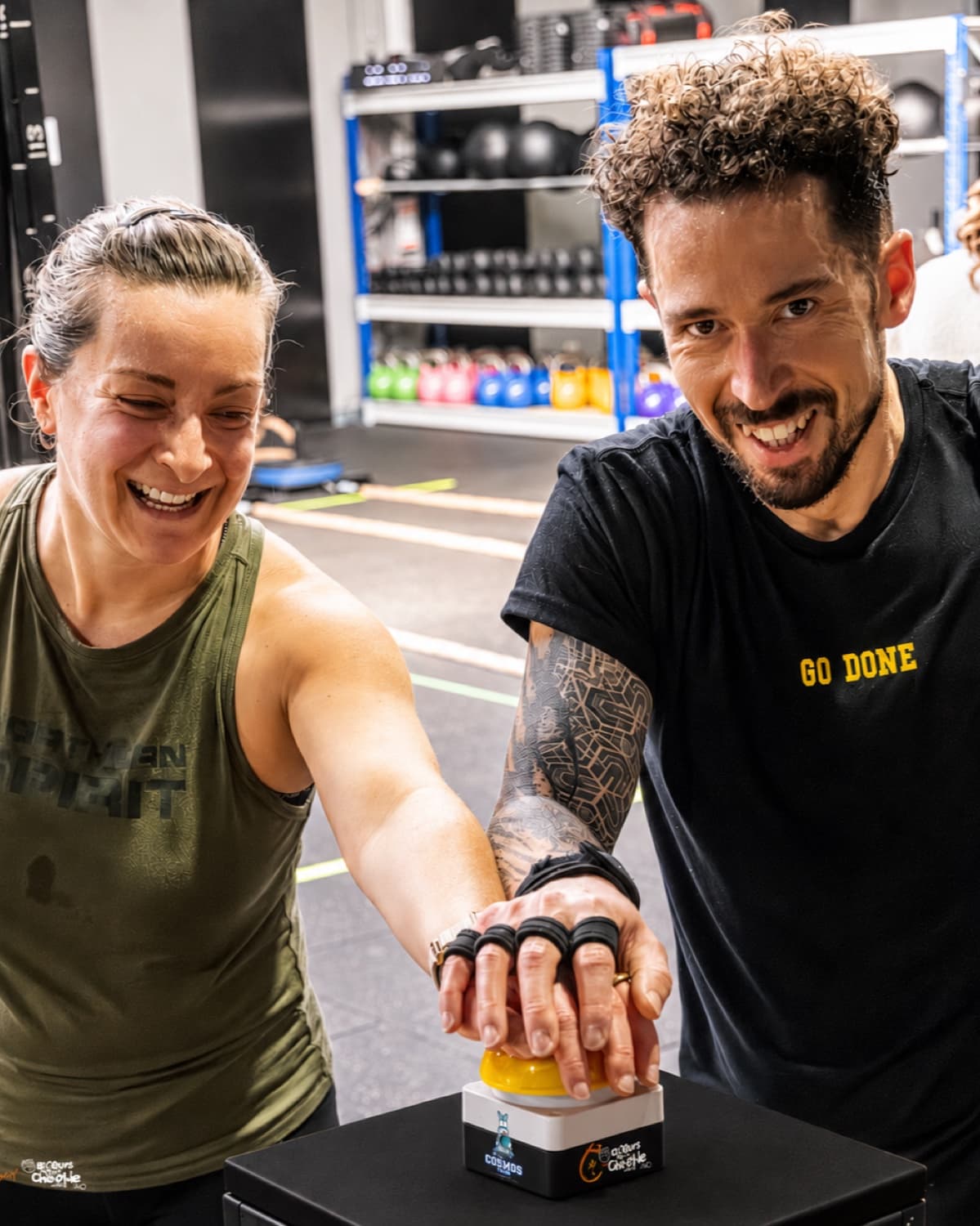
Finishing on the buzzer: Bike-Rox For Charlie, Cosmos Gym.
The crowd follows
what is at stake
Scores, clocks and rankings update live on the venue screens. The same feed drives your broadcast overlay.
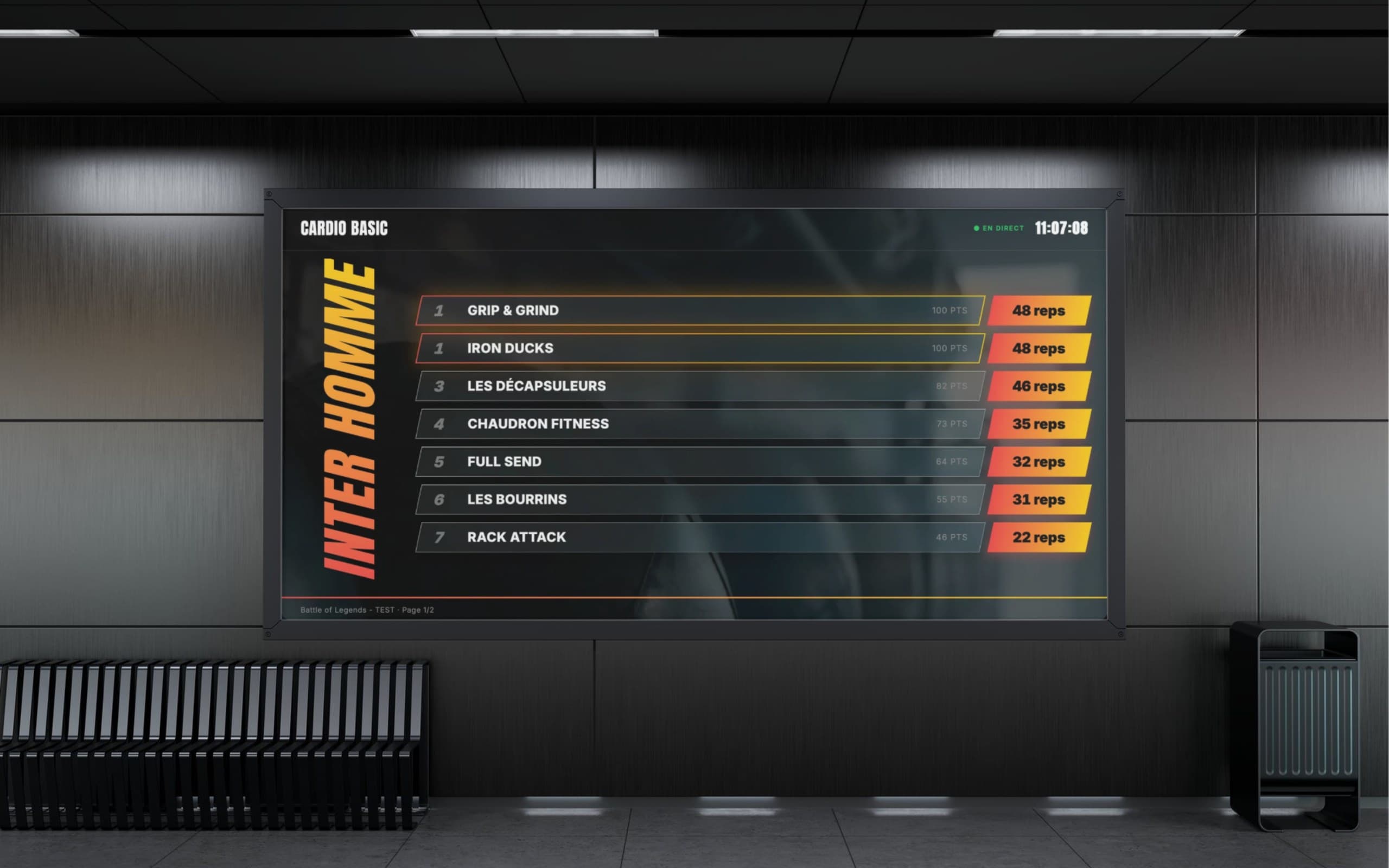
Live ranking: venue screen, Battle of Legends.
- A display per format — each format has its own display: reps for AMRAP, time for For Time, attempts for max load.
- Broadcast overlay — transparent score band for your gallery: current heat, lanes, gaps and ranking.
- Your sponsors — slotted into the ranking rotation at the frequency you choose.
- Just a URL — a screen with a browser is enough.
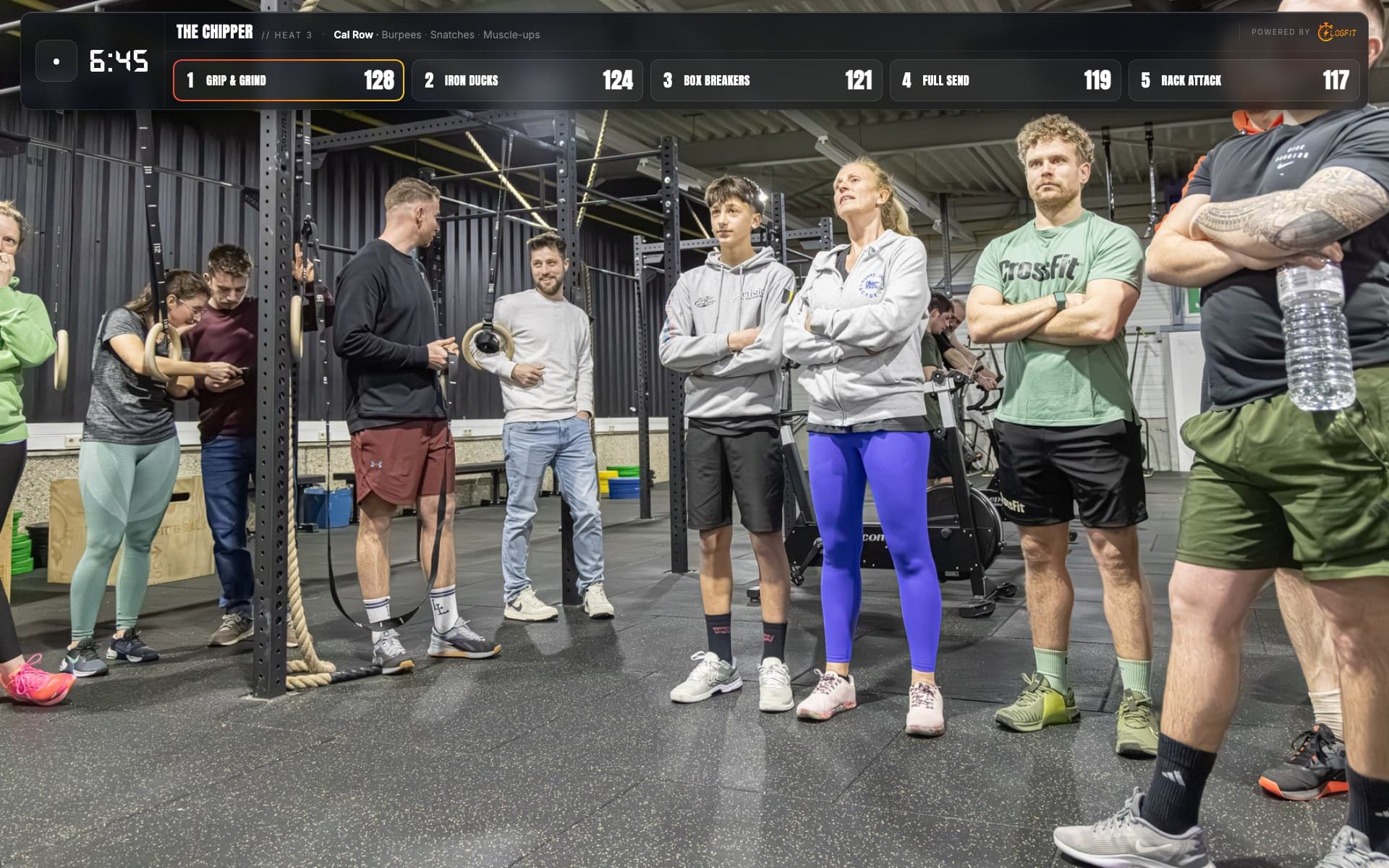
Broadcast overlay: transparent layer over your video feed.
The competition runs
without internet
During the competition, LogFit runs on your own machine over a local network. Judges, screens and timing work without an outside connection.
- The floor keeps going — scoring, clocks, heats and venue screens stay operational.
- Nothing is lost — every score is written locally, then pushed up when the network returns.
- Judges too — a phone that drops off keeps its scores and resyncs on its own.
During the outage, publishing results online and streaming go on hold. They resume when the network returns, with nothing lost.

Dedicated local network, installed on site.
Results go up
before the venue empties
The results page is public and current during the competition. You have no file to prepare the next day.
- Rankings per category — per workout and overall, with the detail behind every score.
- Every athlete finds theirs — their rank, their heats and their race detail from their account.
- An image to share — generated for every registration as an Instagram story, so your athletes can announce they're in.
- The athlete app — they log their training there and find their competition results.
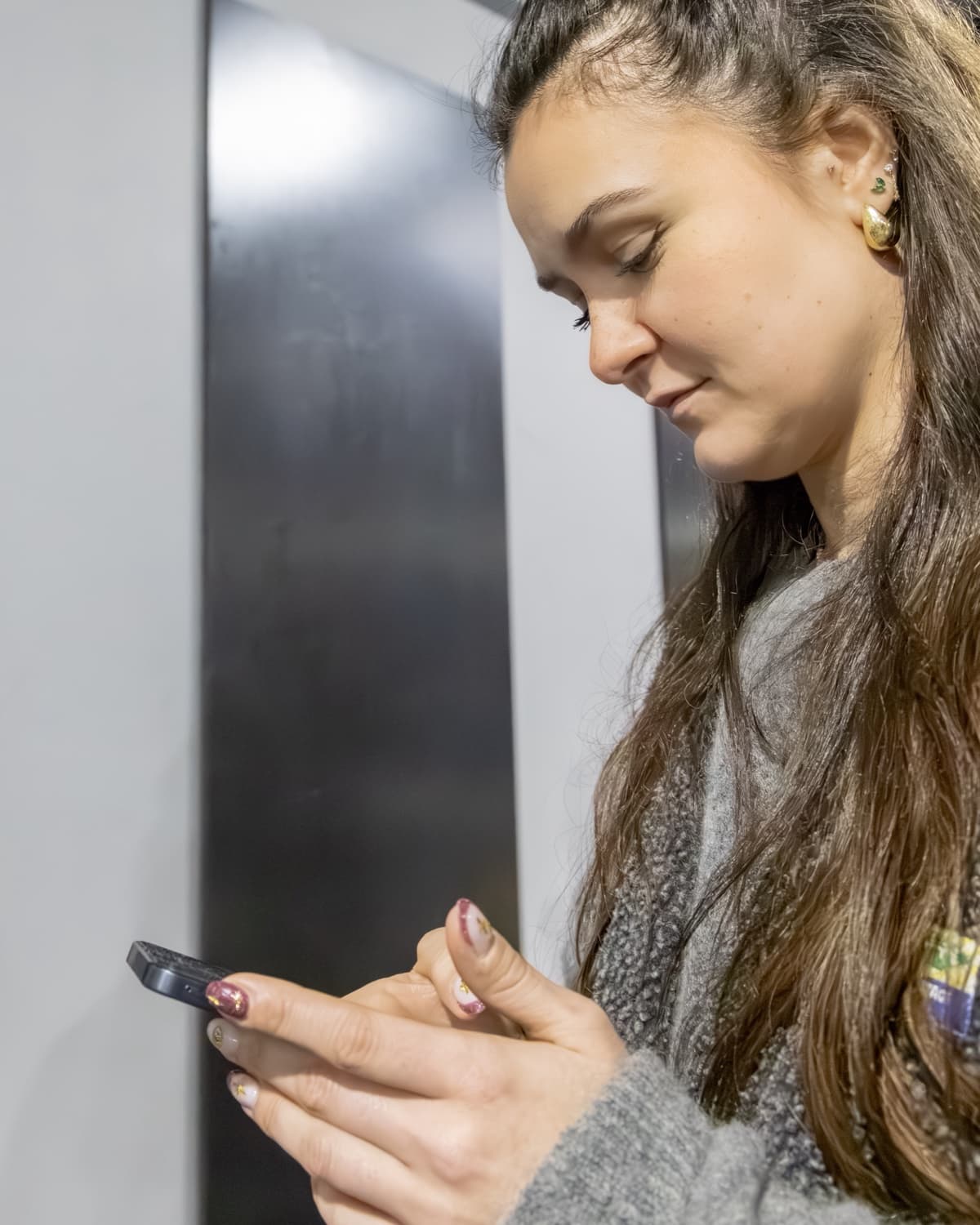
Athlete side: results and personal tracking.
Run your
first competition
Create your organiser space and set up your first event.